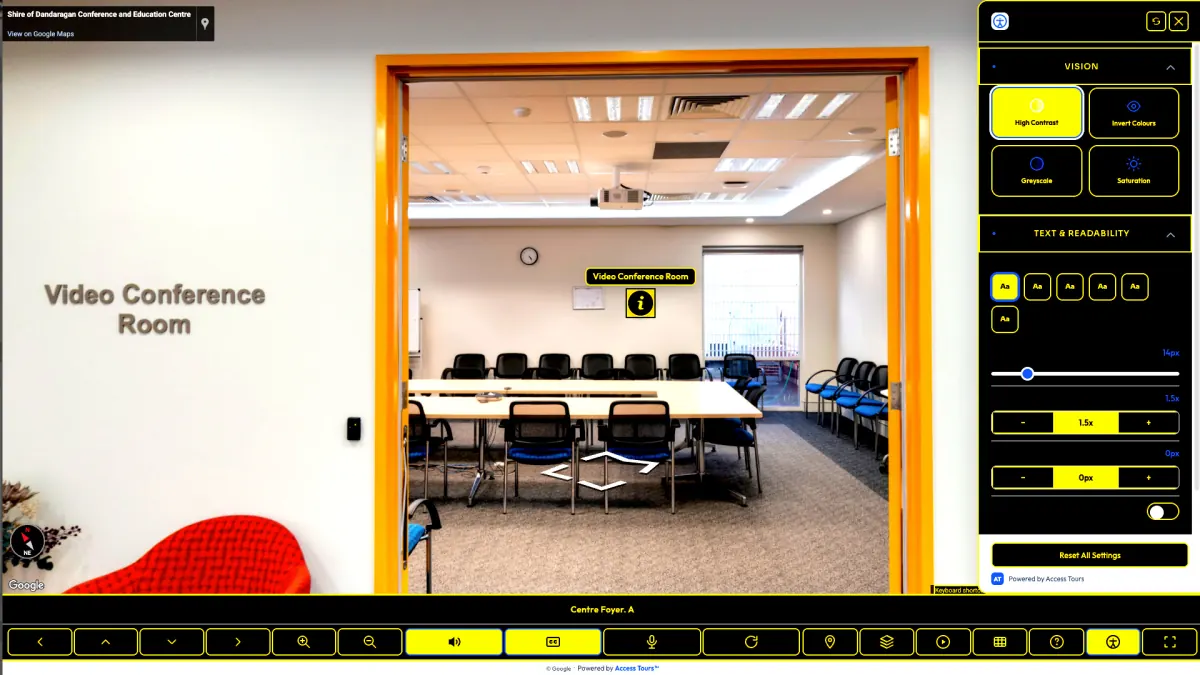
High contrast
Clearer controls and labels for visitors who need stronger visual separation.
Access Tours™ builds accessible virtual tours that show every visitor what to expect — accessible parking, step-free entry, accessible toilets and more — so they can plan, and book, before they arrive. Built for travel, tourism, councils, hotels and motels.
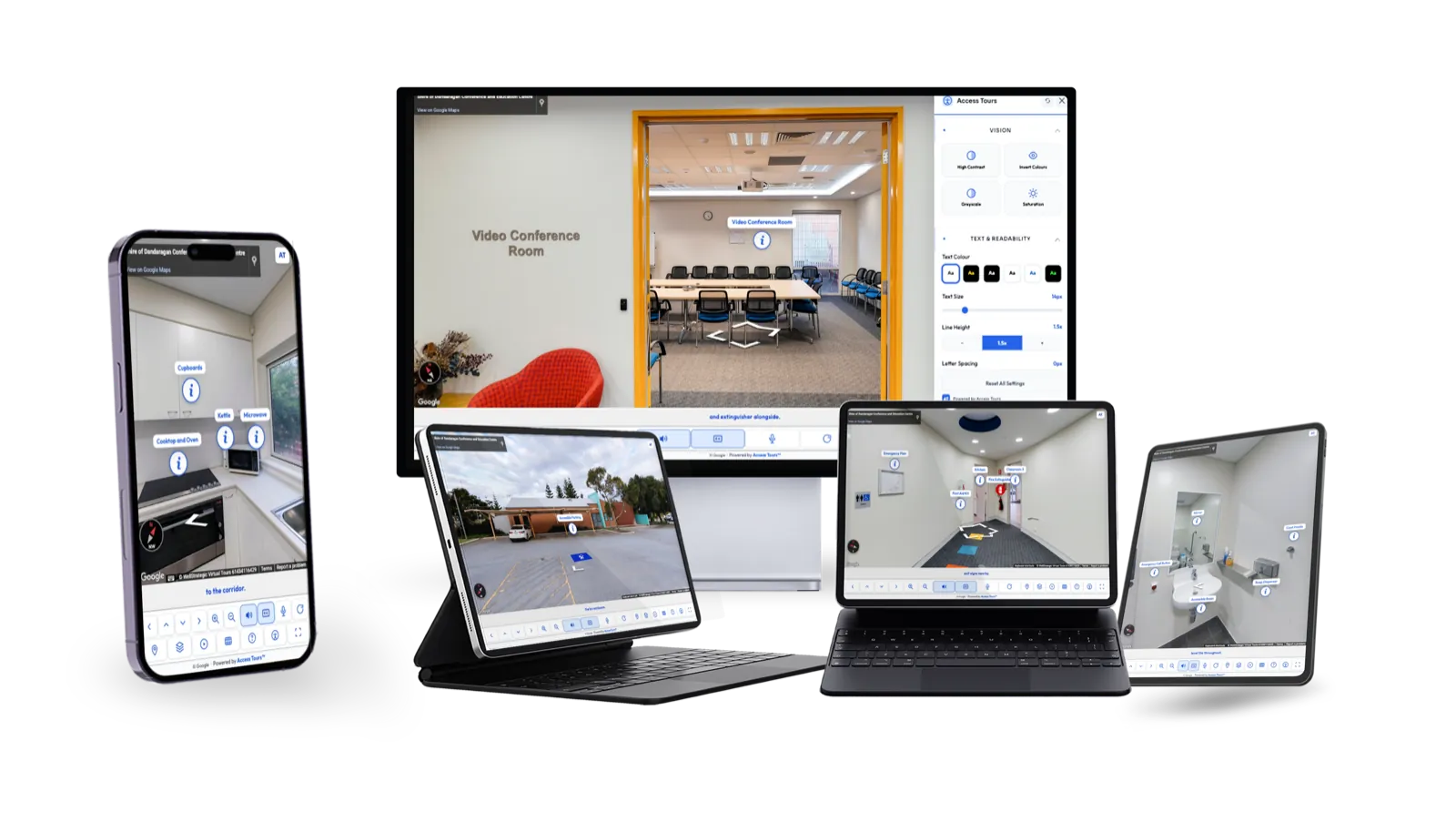
Access Tours™ gives visitors practical accessibility controls inside the tour they already know how to use.
Explore the real Skeetas Restaurant accessible tour below. Drag to look around, then open the accessibility controls in the toolbar.
Clearer controls and labels for visitors who need stronger visual separation.
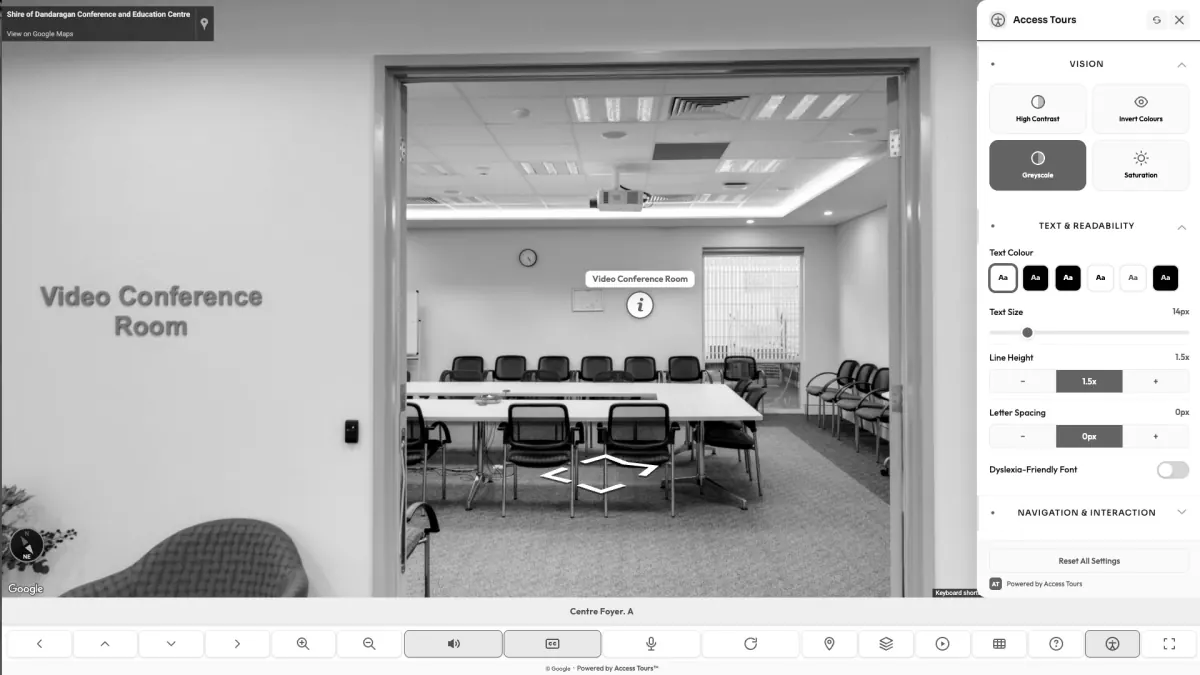
Reduces colour dependence while preserving the route and access information.
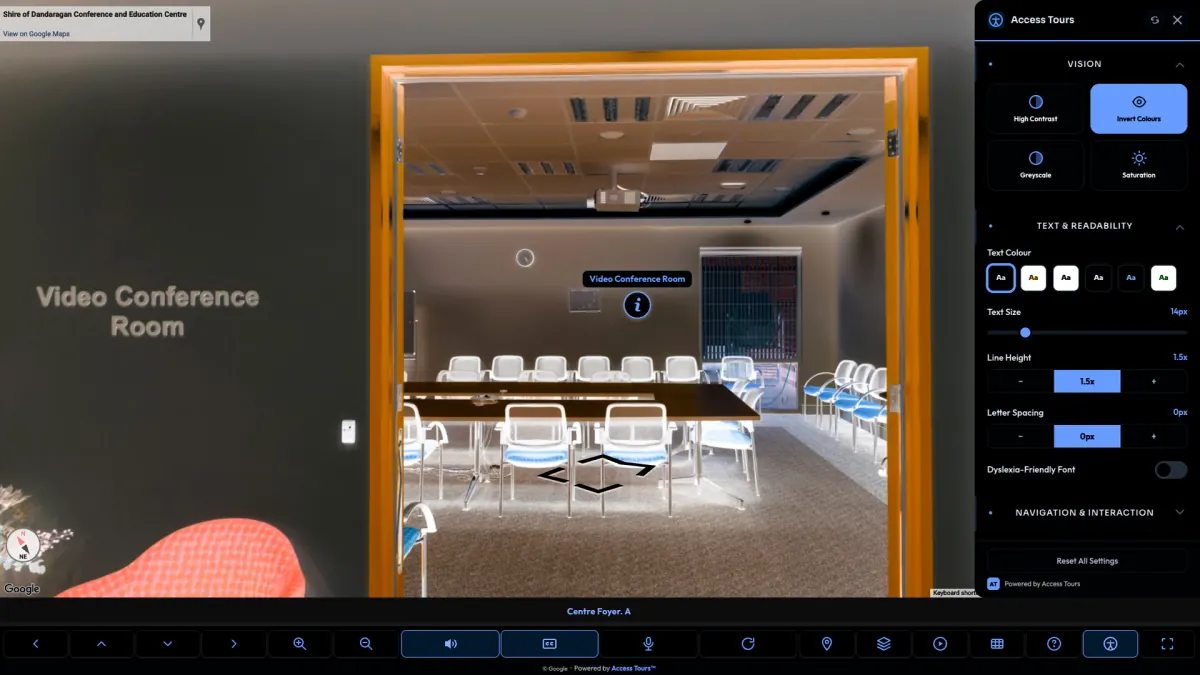
Alternative visual treatment for visitors who read and navigate better in dark mode.
So customers find you and look around before they choose you. Live on Google and Maps.
The same space, built so everyone can use it: voiceover, captions, full keyboard navigation, and clear labelling of parking, step-free routes, lifts and toilets. One simple link in your website footer.
It’s a simple subscription — from just US$12 a month. We build it, host it and keep it running. You do nothing.

Easiest of all — we overlay Access Tours™ straight over the top. No rebuild, no reshoot. Just the subscription, from US$12 a month.
No problem — we’ll shoot your Google Virtual Tour first (a one-off shoot cost), then add the accessible overlay on the same low monthly subscription. We’ll quote the shoot up front so you know exactly where you stand.
Ready to go? Subscribe now — or answer four quick questions below and we’ll come back to you within one business day.
We review your existing tour We recommend the right tier Priority setup support No obligation
Prefer to reach out directly? Email us or call 1800 360 888.
We will only contact you about Access Tours™ onboarding and setup support.
Same Google Street View tour. A much clearer experience for visitors who need access information before they arrive.

 After
After
Standard tours show the room. Access Tours™ adds labels, controls, captions and POIs so visitors can understand routes, rooms and safety information before they go.
Try the live sampleAccess Tours™ is for teams who already use virtual tours and want them to work for more visitors.
Access Tours™ adds an accessibility layer to the Google Street View tours you already have — no rebuild, no new platform.
Move through every scene without a mouse — arrow keys, shortcuts and clear focus.
Spoken descriptions of each space, written for visitors who can’t see the imagery.
On-screen text for every description — for Deaf and hard-of-hearing visitors.
Accessible parking, step-free routes, lifts and toilets — marked so people can plan ahead.
The clearest path from interest to accessible tour.
Access Tours™ is open — subscribe today and make your tour accessible this week.
From US$12/month. No lock-in, cancel any time.
Existing Google tours are typically live in 1–2 days — we handle everything.
We’ll help set up your first accessible tour, hands-on.
Short answers to the things most teams ask before putting their name down.
Yes. Access Tours™ is designed to add an accessibility layer to existing Google Street View virtual tours, so you do not need to rebuild the tour from scratch.
No. The goal is a simple embed flow: replace or add a tour embed, then Access Tours™ provides the visitor controls and accessibility overlay.
We’ll contact you with setup details, integration instructions and priority onboarding support, and your tour is typically live within days.
Most simple tours should be quick to prepare. Larger multi-location tours may need more setup so access points, captions and route information are useful.
Both. Access Tours™ can support a single venue or a broader set of locations, depending on how your Google Street View tours are structured.
Access Tours is built using the WCAG 2.2 AA guidelines and includes keyboard access, readable controls, captions, visual preferences and screen-reader friendly interface patterns. It has not been independently third-party audited, so we describe accessibility features rather than claiming formal conformance.
Subscribe in minutes — we’ll onboard you and your tour can be live this week.
Access Tours is built in Australia by WellStrategic